OpenClaw + API Guide (Step-by-Step)
Summary
This video walks you through how to connect APIs to your OpenClaw AI agent, using YouTube transcript fetching as a practical example. The core idea is simple: your AI agent is powerful, but it needs tools — APIs — to access information that websites intentionally block from bots. Think Twitter, CoinGecko, or YouTube transcripts. Instead of hoping your agent can scrape that data on its own, you give it a dedicated API that bypasses those restrictions. The hosts demonstrate using YouTubeTranscripts.io, a free service that gives you an API token you can hand directly to your agent. You do not need to understand the technical details yourself — your bot is trained to read API documentation and figure out how to use it. The process goes like this: grab the API documentation, paste it into your agent, give it your API token, tell it to save the token to your env file (a hidden, secure location in your OpenClaw directory), and then ask it to run a test. Once it passes the test, you save it as a skill so the agent can use it automatically in future sessions. The video is refreshingly honest about the messiness of working with AI agents. One agent (Banner) ran into Cloudflare blocks, hallucinated results, and even briefly switched to Chinese — while another agent (Stark), already trained on the same API, completed the task proactively and correctly on the first try. The takeaway is not that the technology is broken, but that persistence matters. If a session fails, clear the context, start fresh, and try again. Repetition and verification are part of the workflow, not signs that something is wrong. By the end, you will understand why APIs are a core skill for anyone using AI agents — especially content creators who want to automate tasks like generating video descriptions and timestamps — and you will have a repeatable process for adding any API to your agent, not just YouTube transcripts.
Related Videos
Hermes Agent Setup on Mac (Local Install Guide)

Hermes Agent Curator Guide: FIX Your Agent Skills!
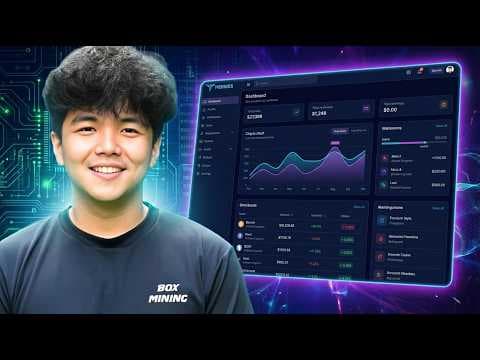
Hermes Agent Dashboard (Setup Guide and Overview)
Nut Studio: Install OpenClaw on Windows in 3 Minutes (Full Guide)

Hermes Agent Setup on VPS