Qwen 3.5 in YOUR BROWSER (Setup Guide)
Summary
This video walks you through running AI models — specifically Qwen — directly in your web browser using WebGPU, without needing to install any external software like LM Studio. The hosts explore a project by a developer named Eric that makes it possible to load the Qwen model entirely within a browser by leveraging your GPU through the WebGPU API, which now gives browsers direct access to your graphics card's power. You'll learn why local models matter: they keep your data on your own device, which is critical if you're working with sensitive information or simply want to avoid sharing your data with large AI companies. Running models locally is also completely free, as long as you have the hardware. The video covers the key hardware consideration — VRAM. If you're on a Windows PC with a card like an NVIDIA RTX 3060, you're limited to models that fit within around 8GB of VRAM. Apple Silicon Macs have an advantage here because they share system RAM and GPU RAM, giving you access to larger models. The hosts also explain that the 3060 was originally designed for gaming, where you don't need much VRAM, but AI models require fitting massive amounts of data into that same limited space. One of the main trade-offs you need to understand is token generation speed. At around 1 token per second, the model will feel painfully slow. You want at least 30 tokens per second for a usable experience. Thinking models add extra overhead because they reason through a response before replying, which burns even more tokens and time. The browser approach has a clear appeal — you don't need to install anything. Just click and go. However, the hosts are honest: you still have to download the model (up to 8GB), so it's not truly instant. For serious or repeated use, running models locally via LM Studio or Ollama will give you better performance. The browser method is best for quick experimentation or when you don't want the overhead of setting up a local server.
Related Videos
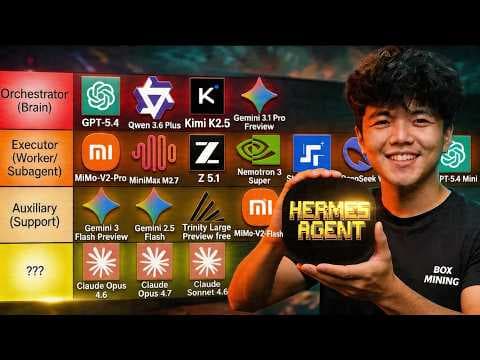
Top AI Models for Hermes Agent (Tier List)

Opus 4.7 is disappointing
Anthropic releasing Opus 4.7 TOMORROW?

Claude Opus is ACTUALLY UNUSABLE

Muse Spark: Meta Unleashes NEW AI Model (Are they back?)